The open house sign-in sheet, without the paper.
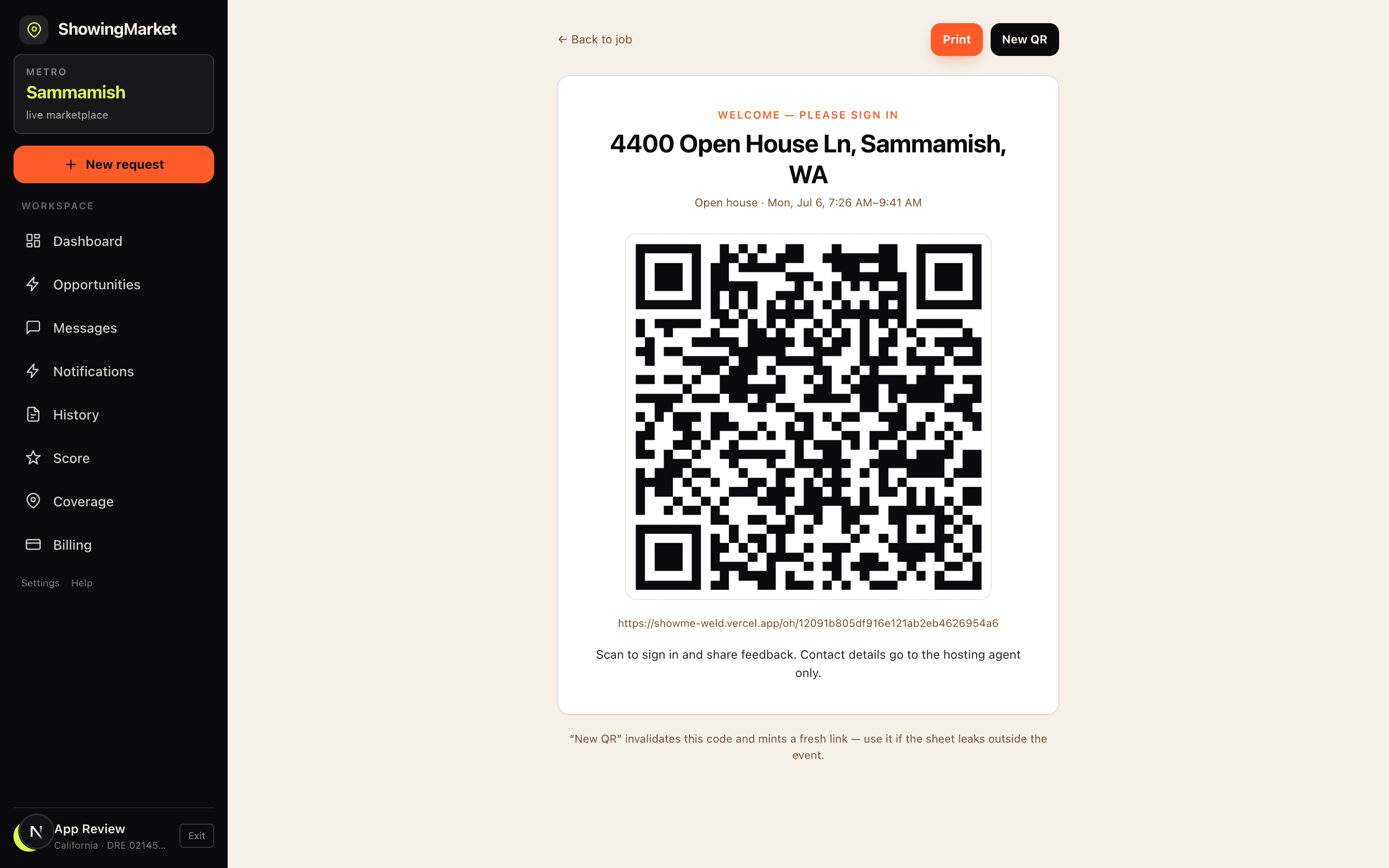
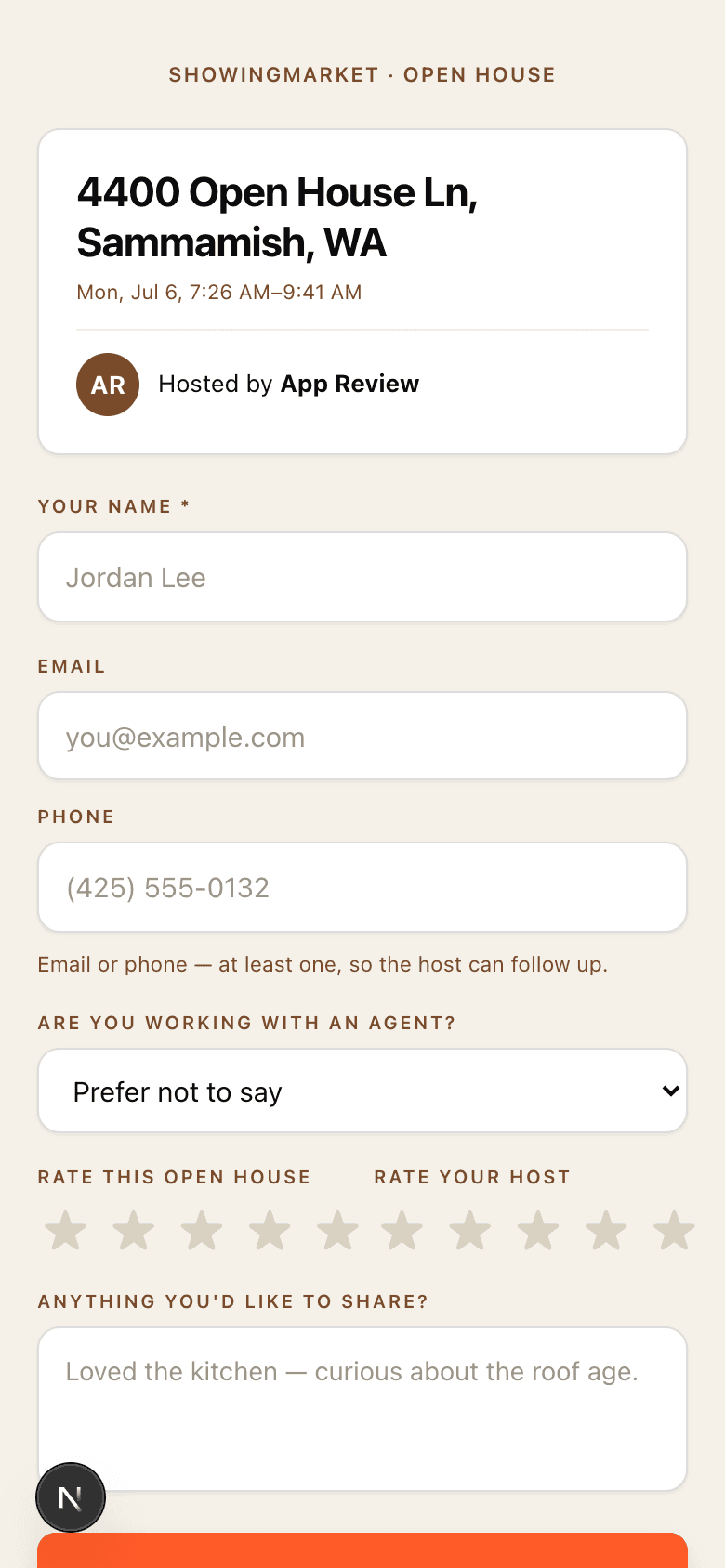
Skip the clipboard. Put a QR code by the door — visitors sign in on their own phone with their name, contact info, and feedback. Every lead lands in your list, legible and complete, the moment they hit submit. (Just need paper for the weekend? Grab the free printable sign-in sheet template.)
Why agents replace the paper sheet
How it works
- 1Open your open house job in ShowingMarket and tap “Display QR” — print it or prop up a tablet.
- 2Visitors scan and sign in on their own phone: name, contact, agent status, ratings, comments.
- 3Work your leads from the live attendance list — and the listing side gets its feedback report automatically.
Open house sign-in questions
How is a QR sign-in better than a paper sign-in sheet?+
Every entry is legible and complete — the form requires a name plus an email or phone number, so you never lose a lead to bad handwriting. Entries appear on your phone in real time, duplicates merge automatically, and there's nothing to type up afterward.
Who sees the attendee contact information?+
Only you, the hosting agent. If you're hosting for another agent through ShowingMarket, the listing side sees first names and feedback only — contact details stay with you.
Do attendees need to download an app?+
No. Scanning the QR code opens a web form in their phone's browser — name, contact, whether they're working with an agent, star ratings, and comments. It takes about twenty seconds.
Can I still print something for the door?+
Yes — the QR display page is print-friendly. Print it, frame it, or show it on a tablet by the entrance.
How much does it cost?+
The QR sign-in sheet is included with hosting an open house on ShowingMarket. Creating an account is free.
Is there a free open house sign-in app?+
Yes — the ShowingMarket QR sign-in sheet is free with every open house you host on the platform. There's no per-event fee, no lead limit, and no subscription.
Does it work on iPhone, Android, and iPad?+
All of them. Attendees sign in through a web form that opens straight from the QR code — any phone camera works, nothing to download. Your live attendance list works the same way, and an iPad by the door makes a great sign-in kiosk.
Host your next open house with a QR sheet.
Free to join. The QR sign-in sheet comes with every open house you host on ShowingMarket — along with GPS check-in, a safety timer, and per-showing pay.